Self-service benchmark: your customer portal next to your competitors', rated by real customers
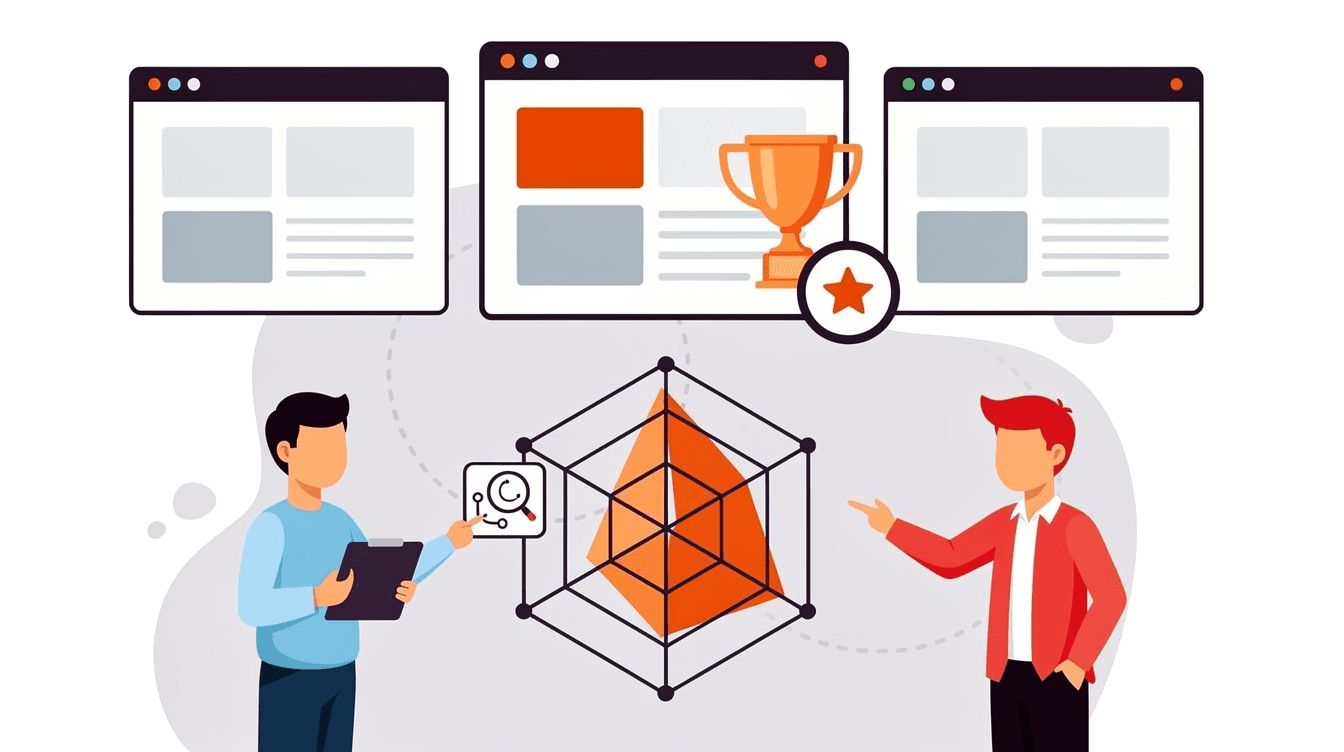
WUA's Digital Service Scan is a benchmark of your self-service. Your own customers do service tasks in your customer portal and app, such as changing their address or bank details. Customers of three competitors do the same in their own account. You get a score per task, an advisory report and a workshop.
Book an introduction
How the self-service research works
The Service Scan shows how easily customers get things done online, with you and with your competitors.
Choose the tasks
From the questions your customer service gets most often.
Choose three competitors
We do this together.
Customers do the tasks
Each in their own account.
Analysis
Scores per task, device and provider.
Report and workshop
With your team we set the priorities.
How the Service Scan measures one task
- Your customer logs in to change her bank details.
- First, she says how much effort she expects.
- Customers of three competitors do the same task, each in their own account.
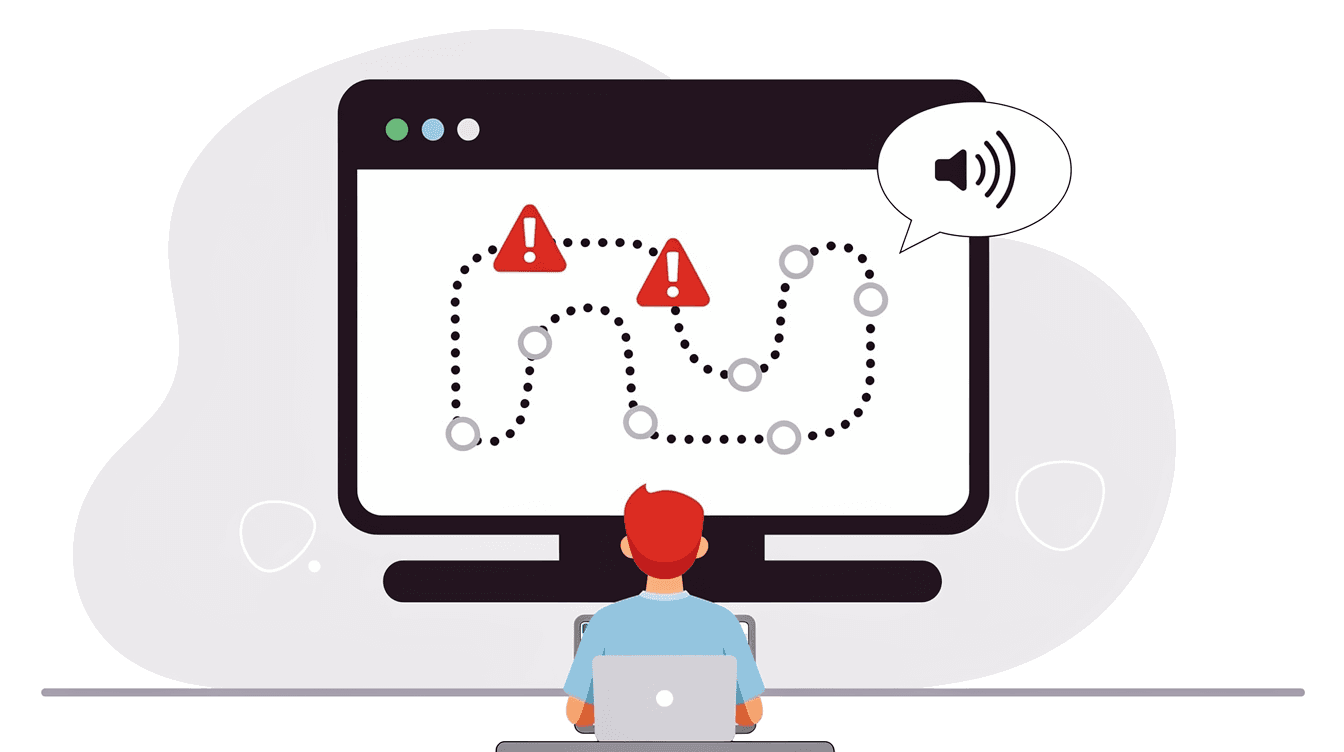
- With the competitors it goes smoothly. With you, she gets stuck at step two.
- Afterwards she says how much effort it took. With you, more than expected.
- For each task you see where your customers get stuck. And how your competitors do.
Task: change bank details
Your customer
Customer of A
Customer of B
Customer of C




- Expected effort
- Experienced effort
- More than expected
How much effort does your most important service task take?
Book an introductionWhat the Service Scan gives you
After the Service Scan you know which service tasks to tackle first.
A score per task
For each task you see whether customers can finish it themselves, how easy that is and how they feel about it. You also see whether they would rather call and whether they would recommend you. Always next to the scores of three competitors.
Change bank details
- You
- A
- B
- C
Does it work?
How easy is it?
How does it feel?
Effort before and after
Customers say beforehand how much effort they expect and afterwards how much it took. If a task takes more than expected, your service falls short there.
Effort per task
Change address
Change bank details
View invoice
Change subscription
- Expected
- Experienced
- More than expected
Why, in your customers' own words
After each task, customers explain what helped and what did not. So you know not only where things go wrong, but also why.
Customer explanations
- “I couldn't find anywhere to change my account number.”
- “After saving, I didn't know whether it had worked.”
- “I had to log in again to confirm it. Cumbersome.”
Your customer, change bank details
An advisory report and a workshop
In the advisory report, WUA puts the improvements in order: what to tackle first and why. In a workshop you discuss the results with your team and choose the next steps together.
Advisory report
- Make the account number easy to find
- Confirm after saving
- No second login
Workshop with your team
Start with a no-obligation conversation
- Investment
- from €12,000
- Lead time
- 2 to 6 weeks
- IntroductionWe discuss your question.
- ProposalPrice and planning tailored to you.
- We do the restRecruitment, research and analysis.
 You'll speak with Merel Schouten, research consultant
Is a Service Scan right for you?
- You want customers to do more themselves online.
- You want to know which service task takes the most effort.
- You want to see your service next to your competitors'.
| Study | Method | Number of people | Competitors | Outcome |
|---|---|---|---|---|
| Website Experience Deep Dive | Your target audience rates | 200 | 3 | Scores, advisory report and workshop |
| Digital Service Scan | Customers do service tasks in their own account | About 200 | 3 | Scores per task, advisory report and workshop |
| Website Audit | Expert review with AI analysis | No customer test | 2 | One list of priorities and a presentation |
| Website Experience Snapshot | Deep Dive on 3 parts | 150 | Up to 2 | Scores, advice and presentation |
| Digital Market Tracker | Consumers search the whole market | 400 per quarter | Whole market | Dashboard, every quarter |
| Targeted Flow Analysis | One flow, thinking aloud, no researcher | 10 to 50 per site | Your choice | Click paths, scores, advisory report and presentation |
| Lab45 Usability | One to one, thinking aloud | 6 as standard | No benchmark | Recordings and findings |
| Mystery shopping | Test customer checks criteria | - | - | Findings per criterion |
Frequently asked questions about benchmarking your self-service
What is a self-service benchmark?
A self-service benchmark shows how easily customers handle service tasks online themselves, with you and with your competitors. In WUA's Digital Service Scan, real customers do this in their own customer portal or app.
How do you compare your customer portal with your competitors' if you can't log in there?
By having those competitors' customers do the tasks. In the Service Scan, your customers and customers of three competitors do the same service tasks, each in their own account. You choose which competitors together with WUA.
How do you test a customer portal or app that requires a login?
With people who already have an account: your own customers. A test panel cannot get into your portal. In the Service Scan, customers do the tasks in their own account, the way they do at home.
What is the Customer Effort Score and how do you measure it?
The Customer Effort Score (CES) shows how much effort it takes a customer to get something done. In the Service Scan, customers say beforehand how much effort they expect and afterwards how much it took. Where it takes more than expected, your service falls short.
Why do customers call when they could do it online?
Often because doing it online takes more effort than they expect. Or because they are not sure whether it worked. For each task, the Service Scan asks whether customers would rather do it online or call. You also see at which step they get stuck.
Which service tasks can you test?
The tasks customers ask your customer service about most often. Think of changing an address or bank details, viewing an invoice, changing a subscription or filing a claim. Together with WUA you choose which tasks go into the research.
How is this different from mystery shopping?
In mystery shopping, a test customer checks a process against fixed criteria. In the Service Scan, real customers do the tasks in their own account. They say themselves how much effort it took and why.
How is this different from a usability test?
A standard usability test follows 6 people closely, so you see what goes wrong on a screen. The Service Scan measures with many more customers how a task goes with you and with three competitors. After that, a usability test is a logical next step.
How many customers take part in a Service Scan?
About 200, spread across the providers: each provider has its own group of customers. If you measure more tasks or providers, we adjust the number to match.
Does the Service Scan work for an app too?
Yes. Customers do the tasks on their smartphone, on desktop or in the app. You see the scores per device, so you know where the differences are.
What does a self-service benchmark cost?
WUA's Digital Service Scan costs from €12,000. For business customer journeys the price is higher, because business respondents cost more. The price also depends on the number of tasks and how complex they are.
How long does a Service Scan take?
A Service Scan takes 2 to 6 weeks. The exact time depends on the number of tasks and providers.



See where your customers get stuck online
A Service Scan tells you within 2 to 6 weeks.
Book an introduction