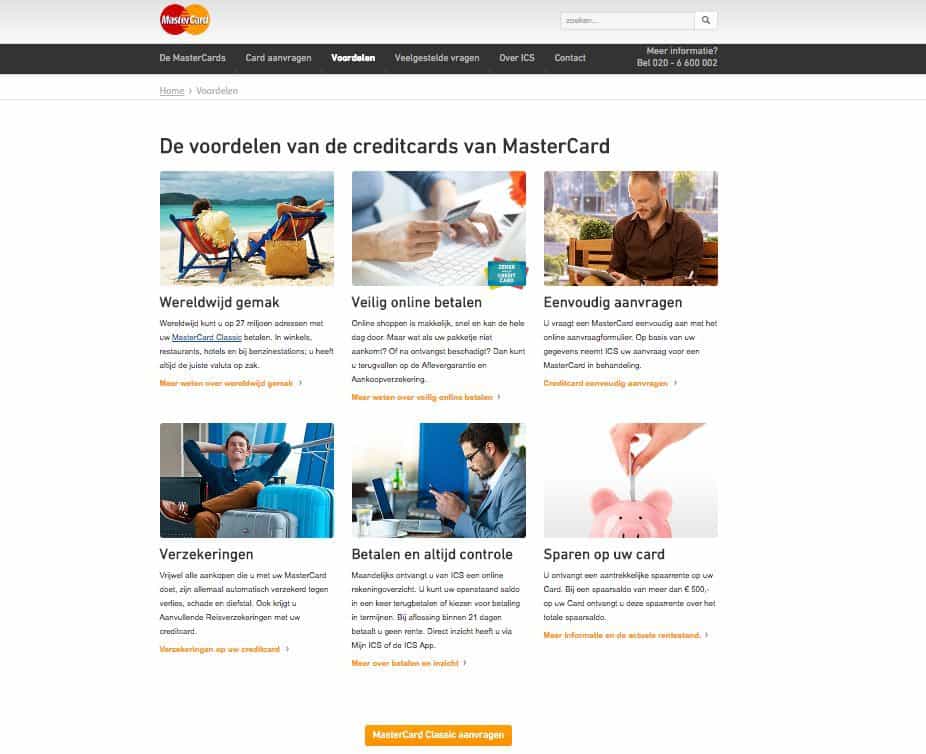
In November 2016, WUA conducted research among 400 respondents about credit card orientation: 200 respondents explored on desktop and the other group on smartphone. The winner on the Look&Feel theme component is YourMasterCard.nl. In this best practice, we explain why YourMasterCard.nl achieves this first place: what does this provider do well and what can others learn from it?
Look & Feel: Everything the consumer sees and experiences on the website
What do we at WUA understand by the Look & Feel of the website? In the WUA model, we distinguish two phases: the first impression and deepening phase. The first impression is the quick glance at the website: "Is this website worth exploring further for my search for a credit card?". In the Look&Feel theme component, WUA asks potential customers to evaluate the website on:
-
Does the website function technically well? (is it fast, are images displayed properly)
-
How are products and services displayed? (both in content and design)
-
In the deepening phase, the potential customer is asked more specifically about the website: "Is this website the right website to actually purchase this product". The Look&Feel theme component (read more about the WPS model here) then examines:
-
Is the visitor facilitated in making a choice?
-
Does the visitor get the feeling of making a smart choice?
First Impression: YourMasterCard.nl displays information quickly with concise texts
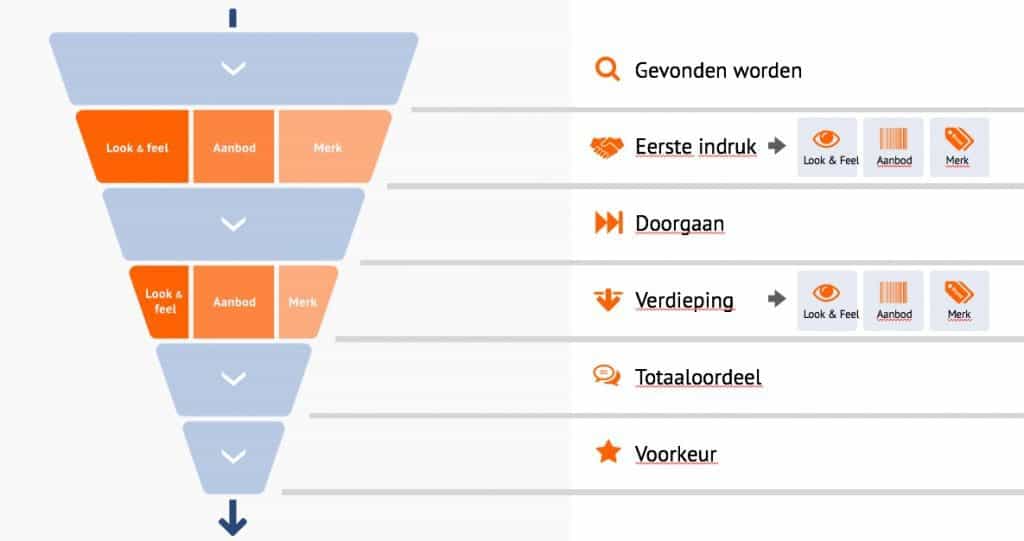
Checkmarks. YourMasterCard.nl uses many checkmarks almost everywhere on the website to highlight texts and unique selling points. These checkmarks ensure that the website is quickly and easily readable. The checkmarks not only make sentences stand out, but also give a positive charge to each sentence. The more checkmarks, the more plus points! This ensures that a product gives a consumer the feeling that they want to have it.
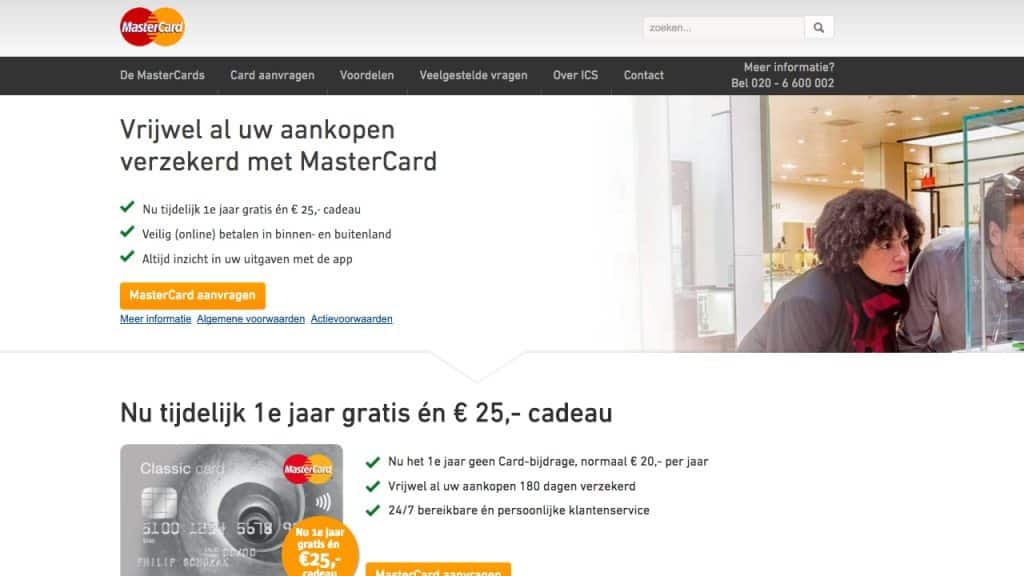
First Impression: The most important information visible at a glance
YourMasterCard.nl has succeeded in fitting all information and links to information in one screen. The topics in the top navigation are simple and speak for themselves. Contact information is also always visible in the top right corner. And when the visitor goes through the pages, they will see that a menu bar is also displayed at the bottom. This prevents visitors from having to scroll back up to continue. This keeps the consumer in a continuous flow.

Deepening: The most important information available in a few steps
Because the information is visible at a glance, the consumer can also easily find the most important information. When searching deeper on the website, we also see that information is still easily findable. The images (usually) match the information that belongs to them. This makes the whole thing easily and quickly scannable. The most important information is given immediately, the majority of visitors will be helped with this information. If a visitor wants more information, they can easily click through to read further about a specific topic.